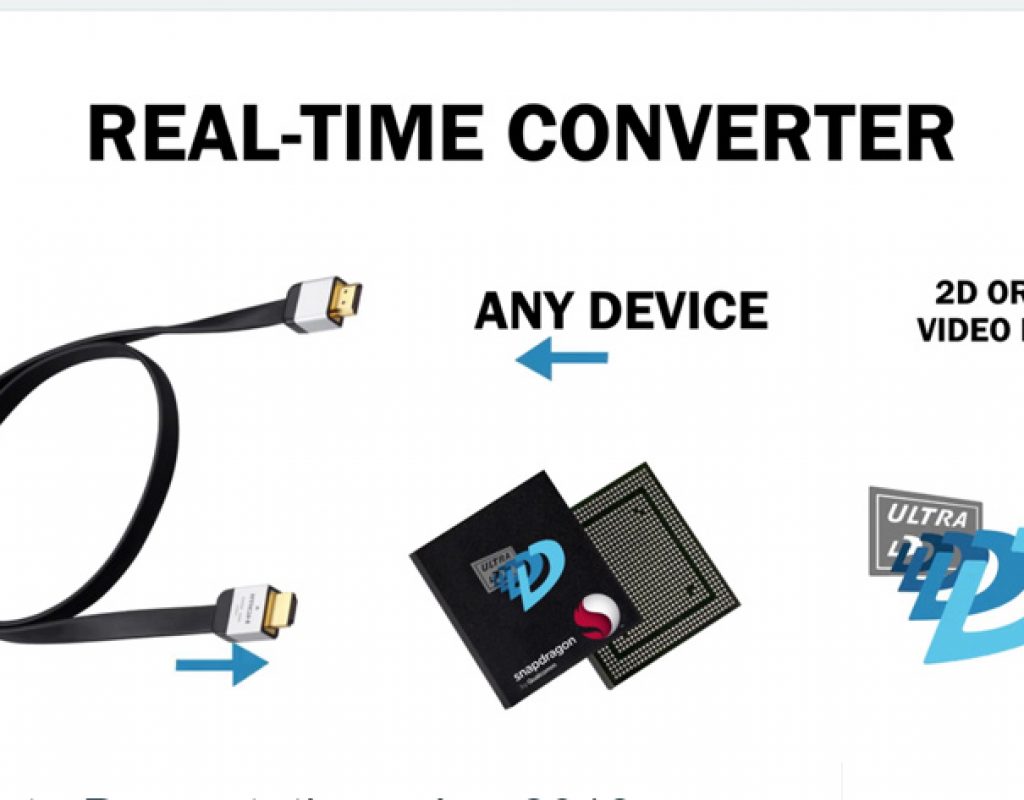
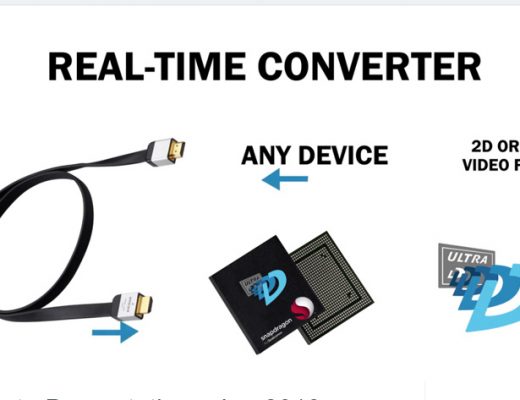
Is glasses-free 3D really coming to every TV set?
The new 16 million pixel panel using Ultra-D technology for glasses-free 3D was announced at 2018 CES, but the...

Day 13 #28daysofQuickTips 2018 – Reversing Sunset to make Sunrise
This is the first of our reader QuickTips which comes to us courtesy of Clark Morris, Senior Editor of...

Day 12 #28daysofQuickTips 2018 – Your library might have access to Lynda.com
At some point last year I learned that my local library had access to Lynda.com. It wasn’t well publicized...
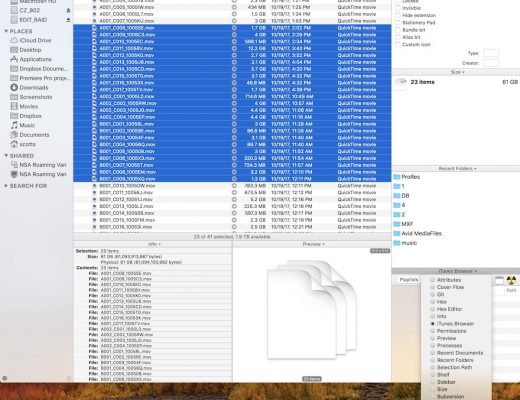
Day 11 #28daysofQuickTips 2018 – The perfect Path Finder panel placement
I’ve mentioned Cocatech’s $40 Mac OS Finder replacement application Path Finder a time or two in the past. Even...
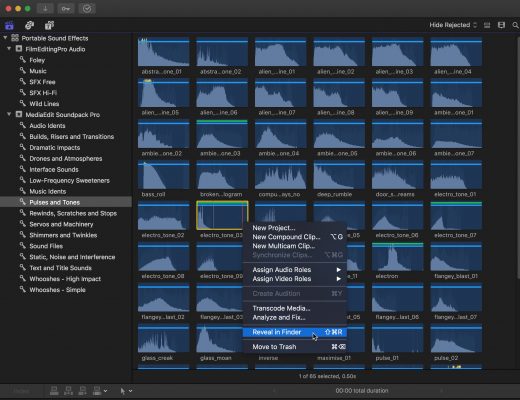
Day 10 #28daysofQuickTips 2018 – Using Final Cut Pro X as the ultimate sound effects and music browser
There was a Facebook post in an Avid editing group the other day that reminded me of one of...

Day 9 #28daysofQuickTips 2018 – Quickly connect a title in Final Cut Pro X
One of the strengths of Final Cut Pro X is its fancy graphics and titles, courtesy of Motion templates,...
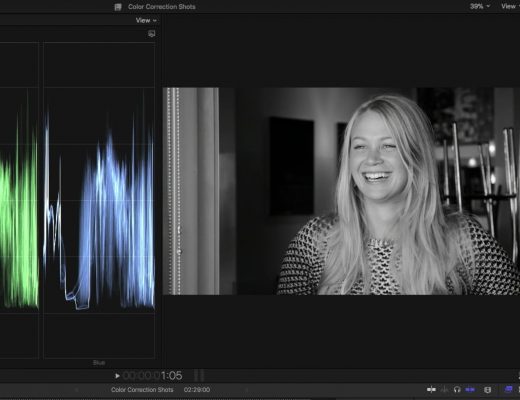
Creating Custom Black & White Effects in Final Cut Pro X
This week on MacBreak Studio, I show Ripple Training’s Steve Martin how you can use the new color tools...
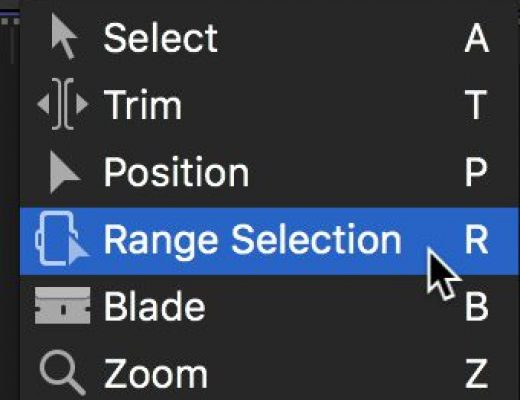
Day 8 #28daysofQuickTips 2018 – Temporarily enable a tool in Final Cut Pro X
This is a simple little thing that makes the already fast Final Cut Pro X even faster: if you hold...

Day 7 #28daysofQuickTips 2018 – Apply and Toggle audio fades in Final Cut Pro X
I’m still quite perplexed that nearly 7 years after its release Final Cut Pro X still doesn’t have an audio-only...
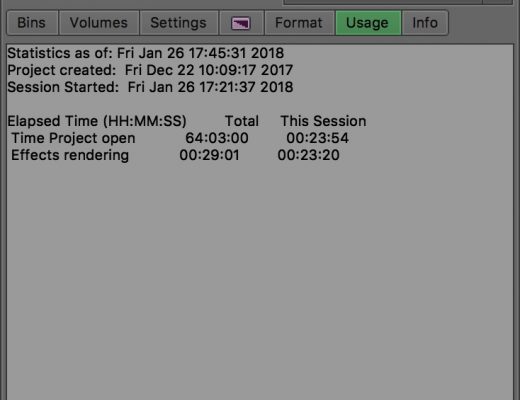
Day 6 #28daysofQuickTips 2018 – The Usage tab in Avid Media Composer
Many Avid Media Composer editors rarely travel to their Project panel beyond opening bins and accessing they settings. But there’s...