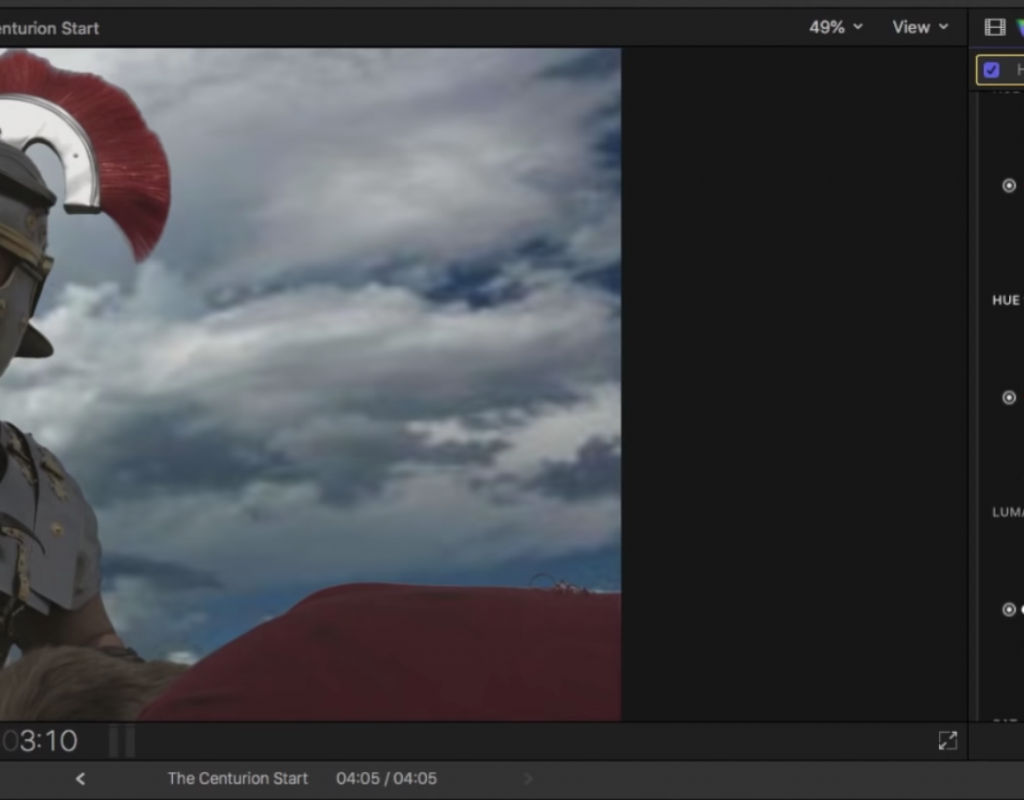
Replacing a Sky in Final Cut Pro X
This week on MacBreak Studio, Steve Martin from Ripple Training shows us how to replace a sky in Final...
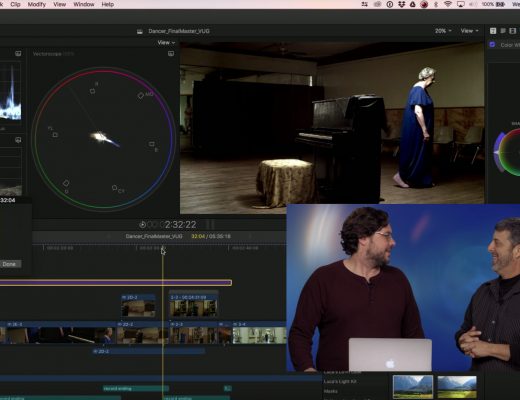
Auditioning Scene Looks in Final Cut Pro X
This week on MacBreak Studio, Steve Martin from Ripple Training welcomes very special guest Sam Mestman from Lumaforge. Sam...
Moving Metadata Between Avid and Final Cut Pro X
This week on MacBreak Studio, special guest Mike Matzdorff shows us how to roundtrip custom metadata between Avid and...
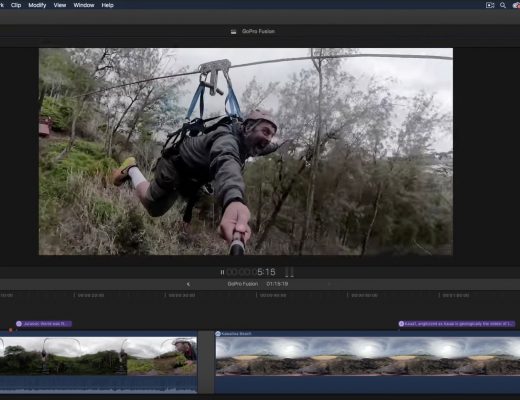
GoPro Fusion & Final Cut Pro X
This week on MacBreak Studio, Steve Martin from Ripple Training shows us how to shoot 360 video but then...

Other New Features in Motion
This week on MacBreak Studio, I show Steve Martin from Ripple Training something new in Motion. When Final Cut...
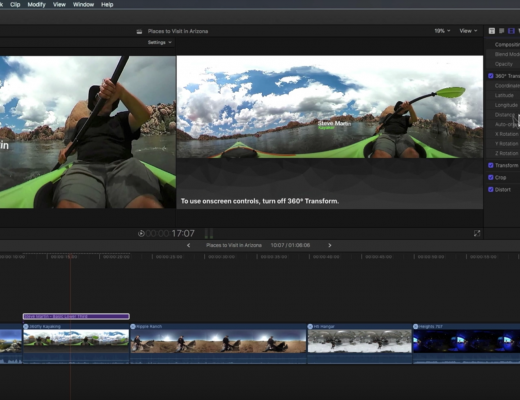
Placing 2D Text in 360 Video with Final Cut Pro X
This week on MacBreak Studio, Steve Martin from Ripple Training shows us how to add text to a 360...
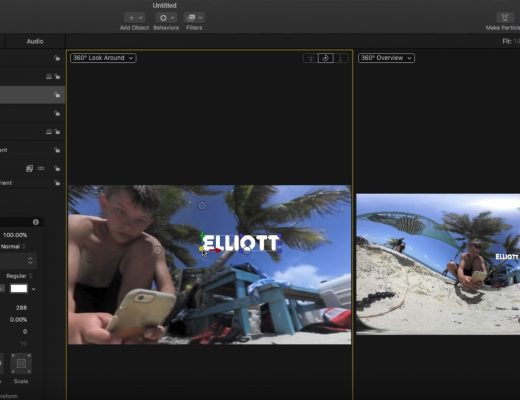
Working with 360 Videos in Motion
This week on MacBreak Studio, I talk with Ripple Training’s Steve Martin about the 360 toolset in Motion. For...
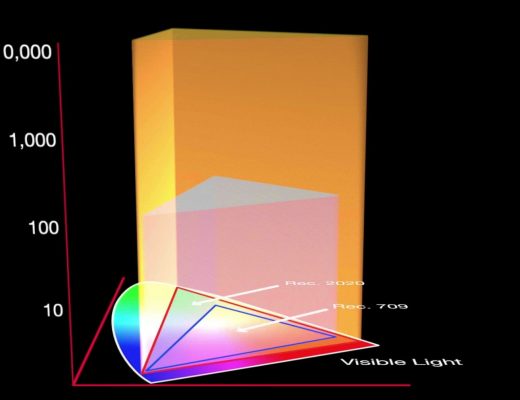
Working in HDR with Final Cut Pro X
This week on MacBreak Studio, I talk with Ripple Training’s Steve Martin about how to work with HDR video...
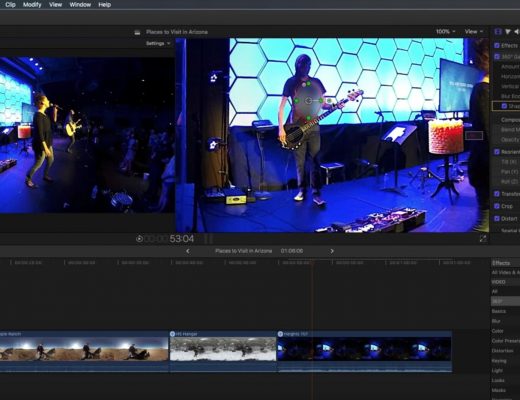
Working with 360 Effects in Final Cut Pro X
This week on MacBreak Studio, Ripple Training’s Steve Martin shows us how to apply effects to 360 videos in...
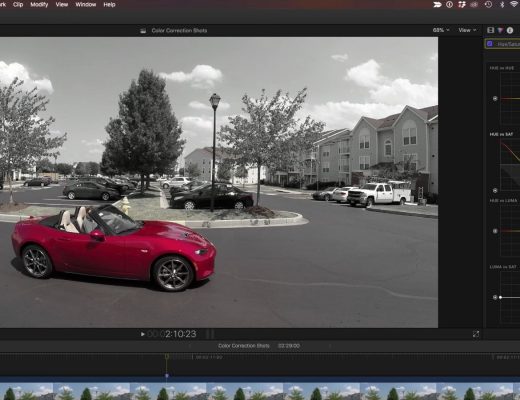
Creating the Pleasantville Look in Final Cut Pro X
This week on MacBreak Studio, I show Ripple Training’s Steve Martin how to create the “Pleasantville” or “Sin City”...