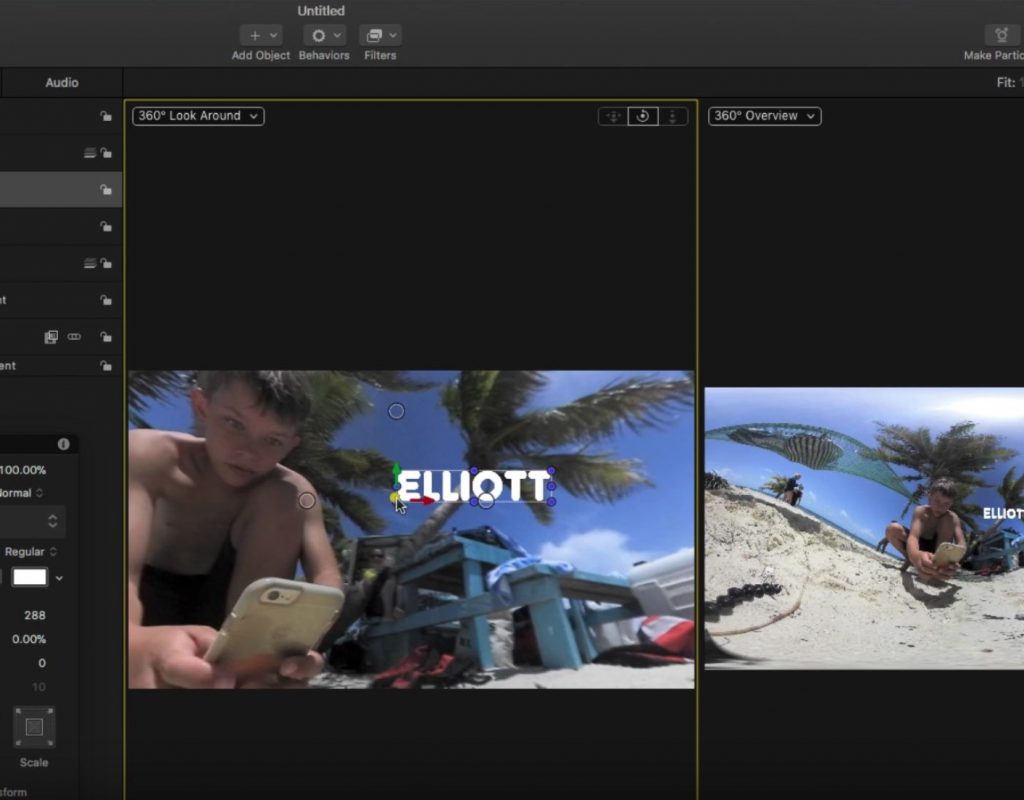
Working with 360 Videos in Motion
This week on MacBreak Studio, I talk with Ripple Training’s Steve Martin about the 360 toolset in Motion. For...
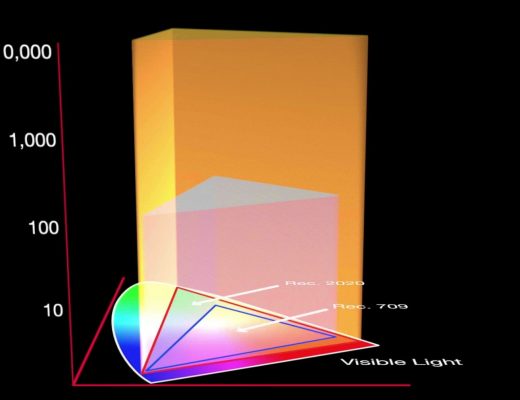
Working in HDR with Final Cut Pro X
This week on MacBreak Studio, I talk with Ripple Training’s Steve Martin about how to work with HDR video...
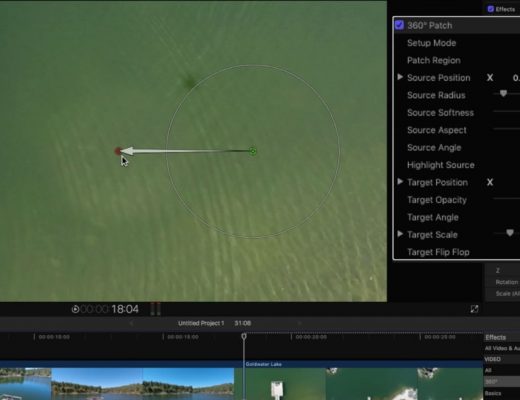
Removing a Drone Shadow in Final Cut Pro X
Double trouble! This week on MacBreak Studio, Ripple Training’s Steve Martin returns and shows us a very cool trick...
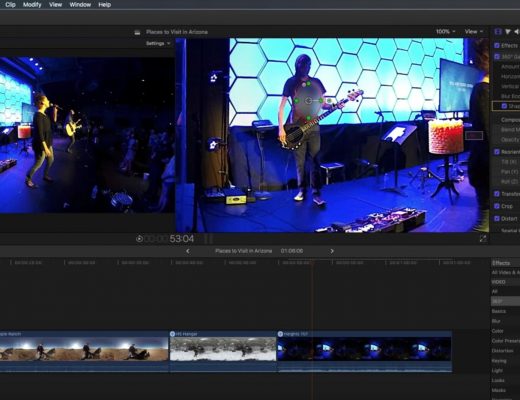
Working with 360 Effects in Final Cut Pro X
This week on MacBreak Studio, Ripple Training’s Steve Martin shows us how to apply effects to 360 videos in...
All the #28daysofQuickTips 2018 in one place
February was a busy month as the Editblog posted a QuickTip a day for the entire month. Some were Adobe...
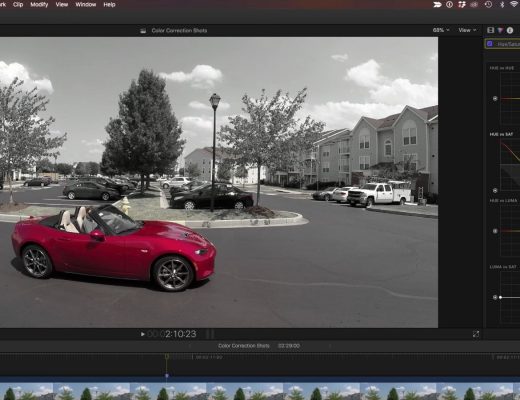
Creating the Pleasantville Look in Final Cut Pro X
This week on MacBreak Studio, I show Ripple Training’s Steve Martin how to create the “Pleasantville” or “Sin City”...
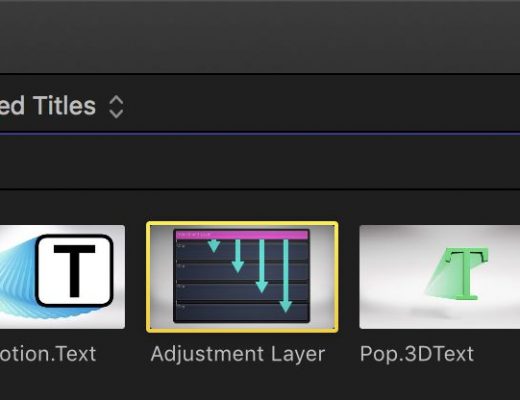
Day 27 #28daysofQuickTips 2018 – Audition Adjustment Layers as Effect Collections in Final Cut Pro X
Years ago before the release of Final Cut Pro X but after the first announcement many editors, myself included, were...

Day 23 #28daysofQuickTips 2018 – Drag in media for a quick import into your NLE
While all the three major NLEs have a tool made for importing media into a project both Final Cut Pro...
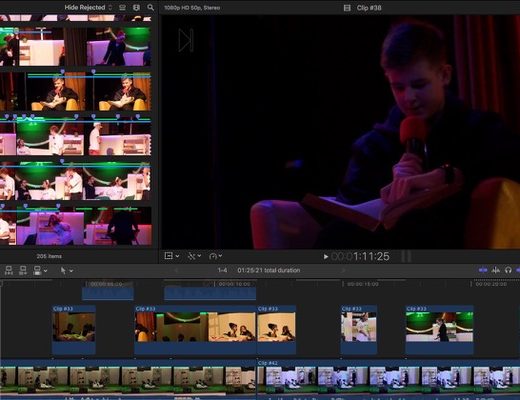
Day 15 #28daysofQuickTips 2018 – Reader Final Cut Pro X QuickTips
As you may have heard we are looking for reader QuickTips for this 2018 edition of #28daysofQuickTips including Final Cut...
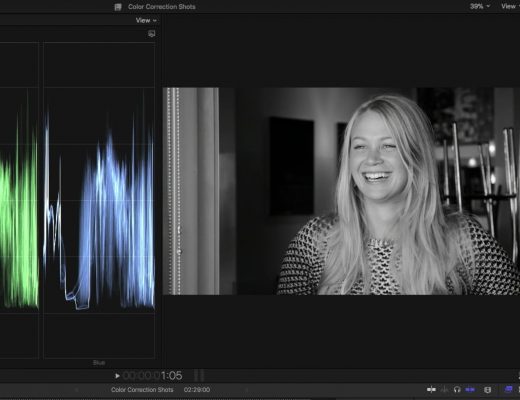
Creating Custom Black & White Effects in Final Cut Pro X
This week on MacBreak Studio, I show Ripple Training’s Steve Martin how you can use the new color tools...