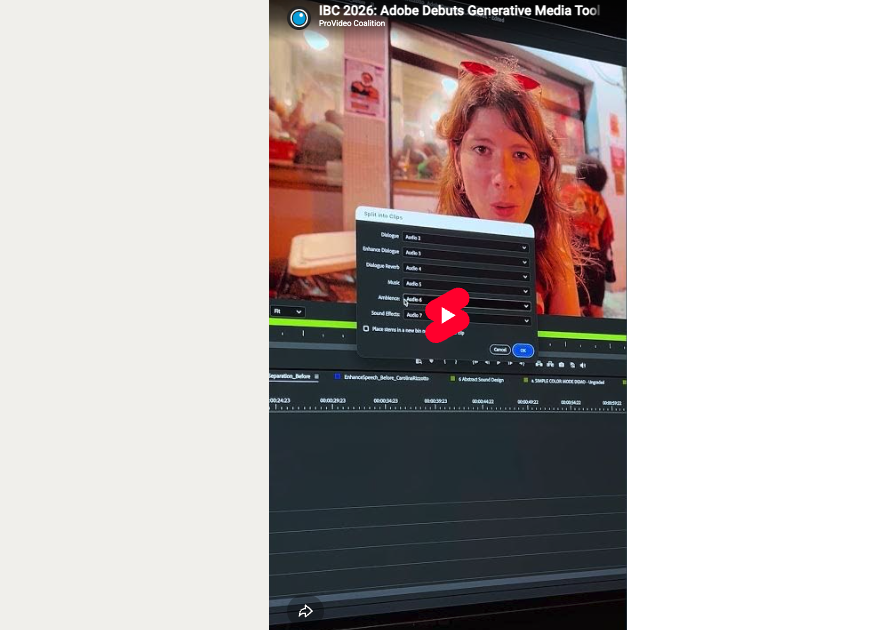
PVC at IBC 2026: Adobe Debuts Generative Media Tool to Bring AI Directly into Premiere Pro Timeline
Adobe’s Generative Media Tool allows users to produce text-to-media AI-generated content and directly import it within their Premiere Pro...
Tool Tip Tuesday for Adobe Premiere: Quick Export
Welcome to Tool Tip Tuesday for Adobe Premiere on ProVideo Coalition We’ve talked a lot about exporting from Adobe Premiere here...
Tool Tip Tuesday for Adobe Premiere: Sync adjacent clips in the timeline
Welcome to Tool Tip Tuesday for Adobe Premiere on ProVideo Coalition If you’re shooting with multiple cameras for an interview or...
Tool Tip Tuesday for Adobe Premiere: Getting your Computer Volume calibrated
Welcome to Tool Tip Tuesday for Adobe Premiere on ProVideo Coalition How do you know if your computer’s volume...
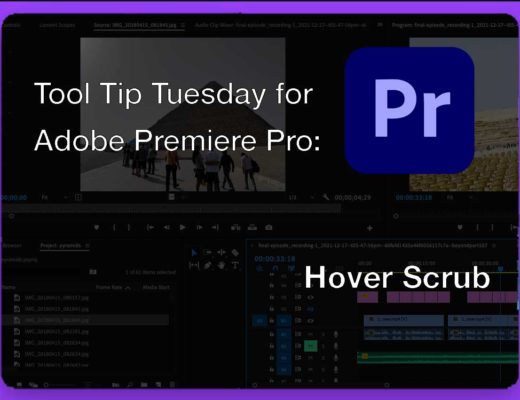
Tool Tip Tuesday for Adobe Premiere: Hover Scrub
Welcome to Tool Tip Tuesday for Adobe Premiere on ProVideo Coalition Hover Scrub is one of my favorite features that have ever...
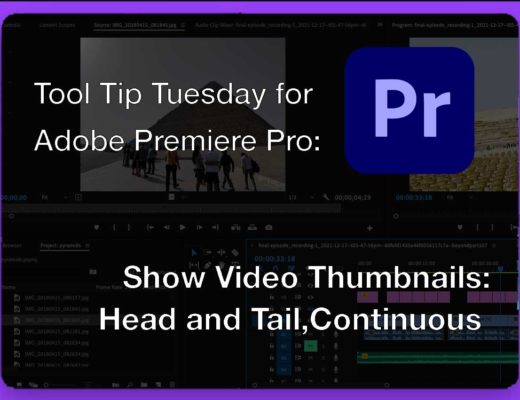
Tool Tip Tuesday for Adobe Premiere: Show Video Thumbnails
Welcome to Tool Tip Tuesday for Adobe Premiere on ProVideo Coalition When looking at clips on an Adobe Premiere timeline, the...
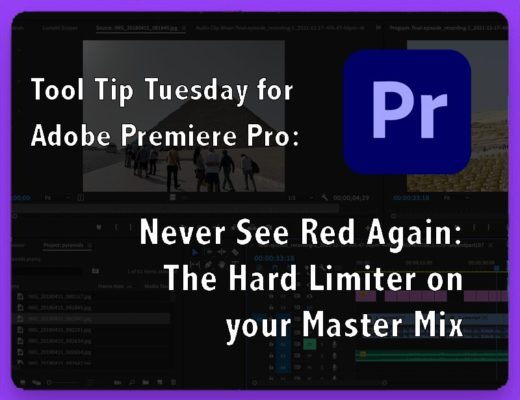
Tool Tip Tuesday for Adobe Premiere: Never See Red Again: The Hard Limiter on Your Master Output
Welcome to Tool Tip Tuesday for Adobe Premiere on ProVideo Coalition When your audio hits the red, the top...

Color Mode in Premiere (beta): Color and Contrast Controls — Zones, Not Lift/Gamma/Gain
If you’re used to lift, gamma, and gain, you’re used to thinking in three parts: shadows, midtones, and highlights....
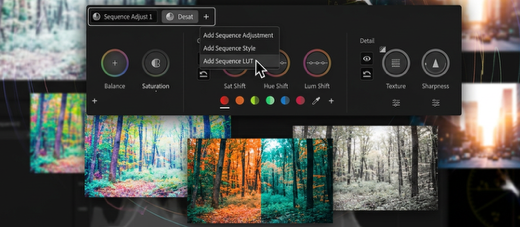
Color Mode in Premiere (beta): The Divide and Conquer Grading Workflow
Most editors approach color as a clip-by-clip task. That model works for simple timelines, but it does not scale....
Tool Tip Tuesday for Adobe Premiere: Quick Finding of Similar Shots using Media Intelligence
Welcome to Tool Tip Tuesday for Adobe Premiere on ProVideo Coalition The dreaded question: “Where are clips just like that...