Post Production
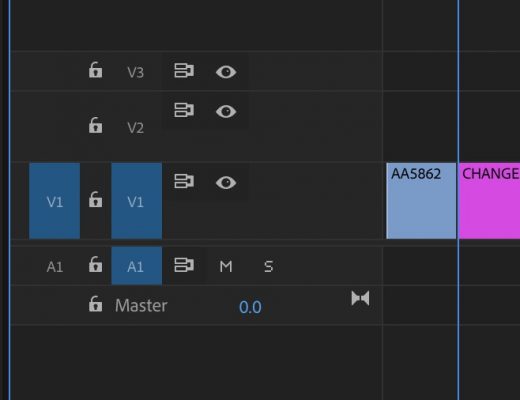
Day 17 #28daysofQuickTips 2018 – See original clip names in Premiere Pro timeline
First off, this QuickTip mainly applies to those who use the Display the project item name and label color...
Post Production
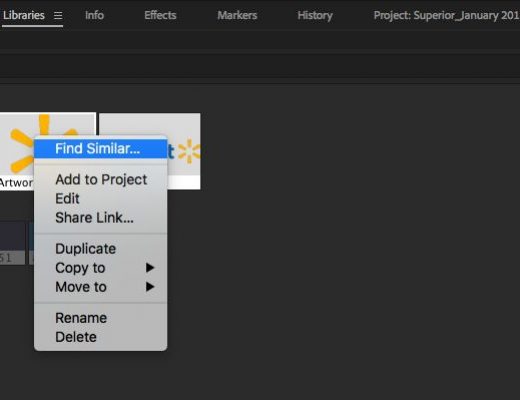
Day 16 #28daysofQuickTips 2018 – 3 reader Adobe Premiere Pro QuickTips
Today we have three reader QuickTips for Adobe Premiere Pro that take us from the relatively new Library panel to...
Post Production
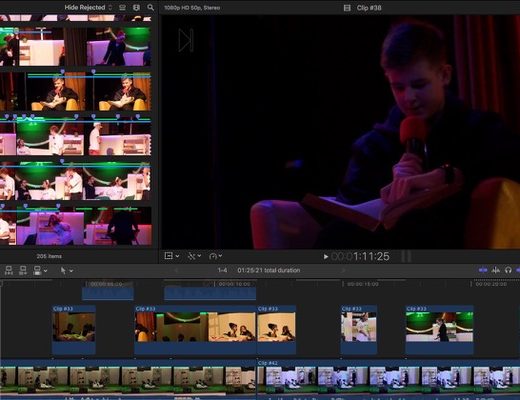
Day 15 #28daysofQuickTips 2018 – Reader Final Cut Pro X QuickTips
As you may have heard we are looking for reader QuickTips for this 2018 edition of #28daysofQuickTips including Final Cut...
Post Production
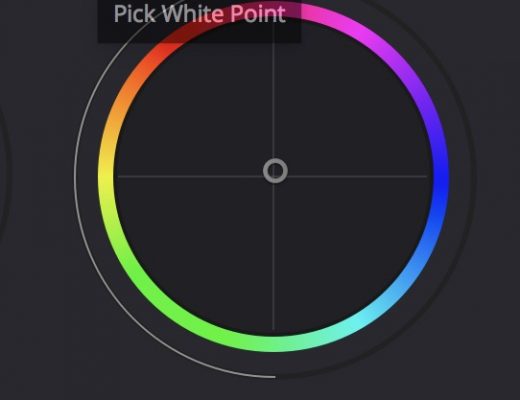
Day 14 #28daysofQuickTips 2018 – Pick Black and White Point in DaVinci Resolve
As an editor I don’t do a lot of extensive color grading in DaVinci Resolve but every now and...

Post Production
Day 13 #28daysofQuickTips 2018 – Reversing Sunset to make Sunrise
This is the first of our reader QuickTips which comes to us courtesy of Clark Morris, Senior Editor of...

Post Production
Day 12 #28daysofQuickTips 2018 – Your library might have access to Lynda.com
At some point last year I learned that my local library had access to Lynda.com. It wasn’t well publicized...
Post Production
Day 11 #28daysofQuickTips 2018 – The perfect Path Finder panel placement
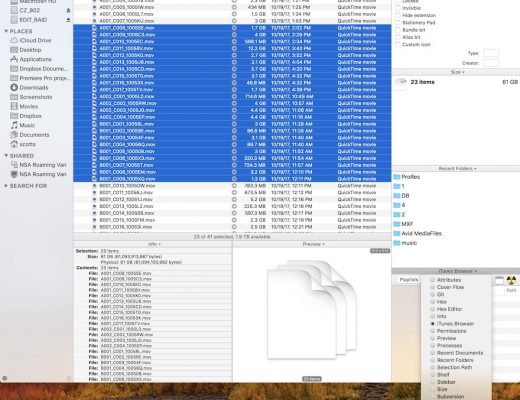
I’ve mentioned Cocatech’s $40 Mac OS Finder replacement application Path Finder a time or two in the past. Even...
Post Production
Day 10 #28daysofQuickTips 2018 – Using Final Cut Pro X as the ultimate sound effects and music browser
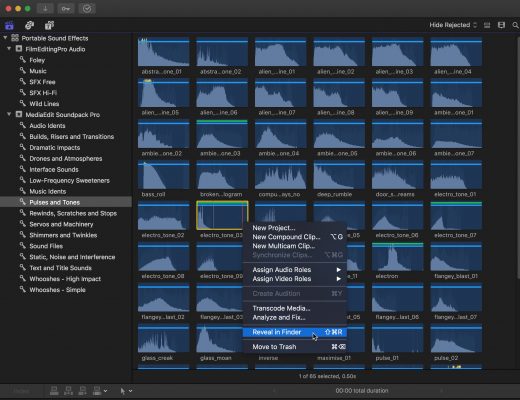
There was a Facebook post in an Avid editing group the other day that reminded me of one of...

Post Production
Day 9 #28daysofQuickTips 2018 – Quickly connect a title in Final Cut Pro X
One of the strengths of Final Cut Pro X is its fancy graphics and titles, courtesy of Motion templates,...
Post Production
Day 8 #28daysofQuickTips 2018 – Temporarily enable a tool in Final Cut Pro X
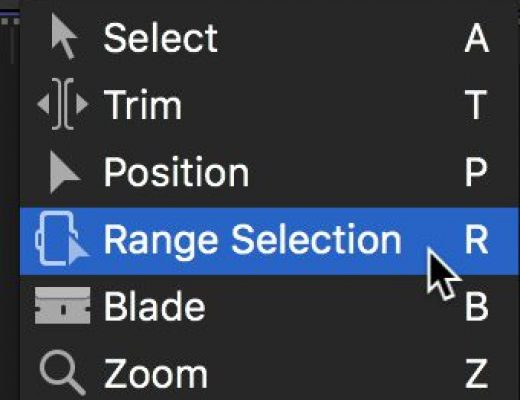
This is a simple little thing that makes the already fast Final Cut Pro X even faster: if you hold...